All-in-One Local AI Agent
Your PC on autopilot — local, free, and private.
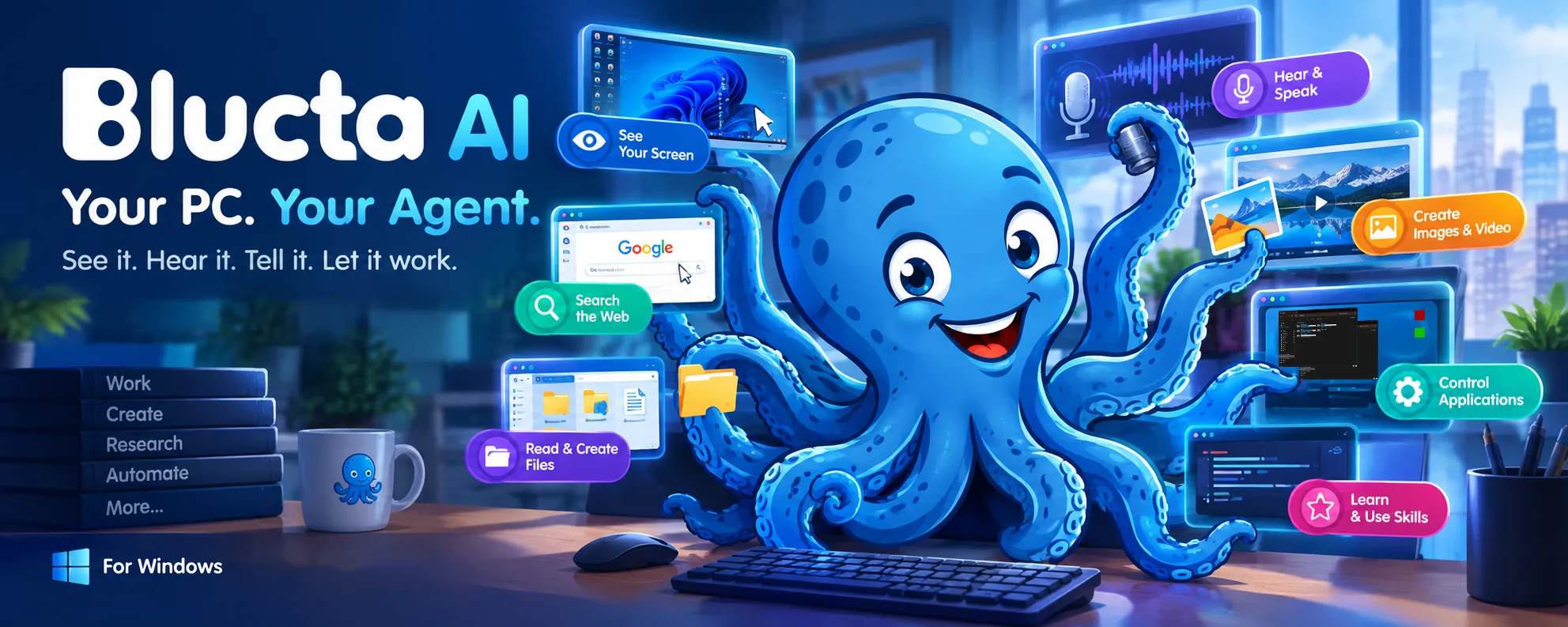
Blucta AI talks to you, sees your screen, hears your PC, generates media, and does the work (Click, type, search, read, …). All on your machine. No cloud. No account. No fees.
Tell it what you want in your own words. It looks at the screen, decides the next step, and works your programs the way you would—clicking, typing, reading what came back, fixing what didn’t land. You watch every step, and you can stop it at any moment.
 |
Free download for Windows (coming soon) Windows 10 and 11 only For the best experience in local-auto mode it requires 24 GB RAM + 16 GB VRAM |
Note:
Extract the zip file, then run blucta.exe. If you see the “Windows protected your PC” window with the “Don’t run” button, click “More info“, then click “Run anyway“.
Why Blucta AI
- No install — no installer, just download and run.
- No setup — it picks the right models for your PC and fetches them. Nothing to configure.
- Local — runs 100% on your PC.
- Free — no subscriptions, no ads, no upsells.
- Private — your screen never leaves your computer.
- No account — no sign-up, no login, ever.
- Sees — it sees your screen, and reads it as you do.
- Hears — it hears your PC: your voice, music, and sound.
- Creates — makes pictures and videos, and brings your own photos to life.
- Skills — teach it Skills, and make it an expert in any app.
- Does the work — it doesn’t just talk. It clicks, types, and gets it done.
What you can ask for
- Do a job in any Windows program — not a fixed list of supported apps.
- Read and write files: text, Markdown, CSV, PDF, Word, Excel, PowerPoint, images.
- Search the web for what it does not know, and read what it finds.
- Make a picture from a description — or change one you already have.
- Make a video from a description, or from one of your own pictures. With sound.
- Listen to what your PC is playing: speech, music, or a sound.
- Voice typing, anywhere you can type, in any language.
- Answer in your language — write in yours, it replies in yours.
How it works
One model does the whole job. It looks at a fresh picture of the screen every step, decides what to do next, and works out exactly where to click — then checks the result of its own action before moving on. Nothing is scripted in advance, which is why it can work in a program nobody taught it.
What it needs
Blucta AI is built for a real desktop, not a light laptop. The model that drives it is a big one, and that is deliberate — the smaller ones were measured, and they get lost, loop, or invent results.
| Windows | 10 or 11, 64-bit |
| Memory (RAM) | 24 GB |
| Graphics card (VRAM) | 16 GB |
| Disk | 19 GB, and about 60 GB if you add pictures, video, and hearing |
Just download and use
Download it, unzip it, run it, and say yes when it offers to fetch its models. That download happens once — after that, Blucta AI opens in seconds and works offline. It reaches out only to search the web for you, or the first time you ask for something whose model it has not fetched yet — pictures, video, or audio.
Read more about setup and first run →
Or use a model you already have
Blucta AI ships with its own model, running on your PC, and that is how most people will leave it. If you already run LM Studio, Ollama, or vLLM, you can point it at one of those instead — still entirely on your machine.
It can also use OpenAI, Anthropic, or Gemini for anyone who would rather use a service they already pay for. That one is opt-in: it takes a trip to Settings and an API key, and it is the only arrangement where anything leaves your computer. Leave the setting alone, and Blucta AI stays local. How to switch →
Built on
Blucta AI runs its models with llama.cpp, whisper.cpp, and stable-diffusion.cpp, all on GGML, and is written in Free Pascal with Lazarus. The full list — versions, licences, and a written offer for the source of the GPL parts — is in the app under Settings → About.